the first workflow tool built specifically for licensing artists
Organize your art.
Pitch with confidence.
Grow your career.
Finally!
A tool specifically for licensing artists like YOU.
You’ve poured your soul into your designs. Each sketch, each pattern, each collection holds a piece of you. Yet when it comes time to pitch, the overwhelm sets in—spreadsheets, scattered notes, missed deadlines, forgotten follow-ups, and the constant question of whether you’ll ever break through.
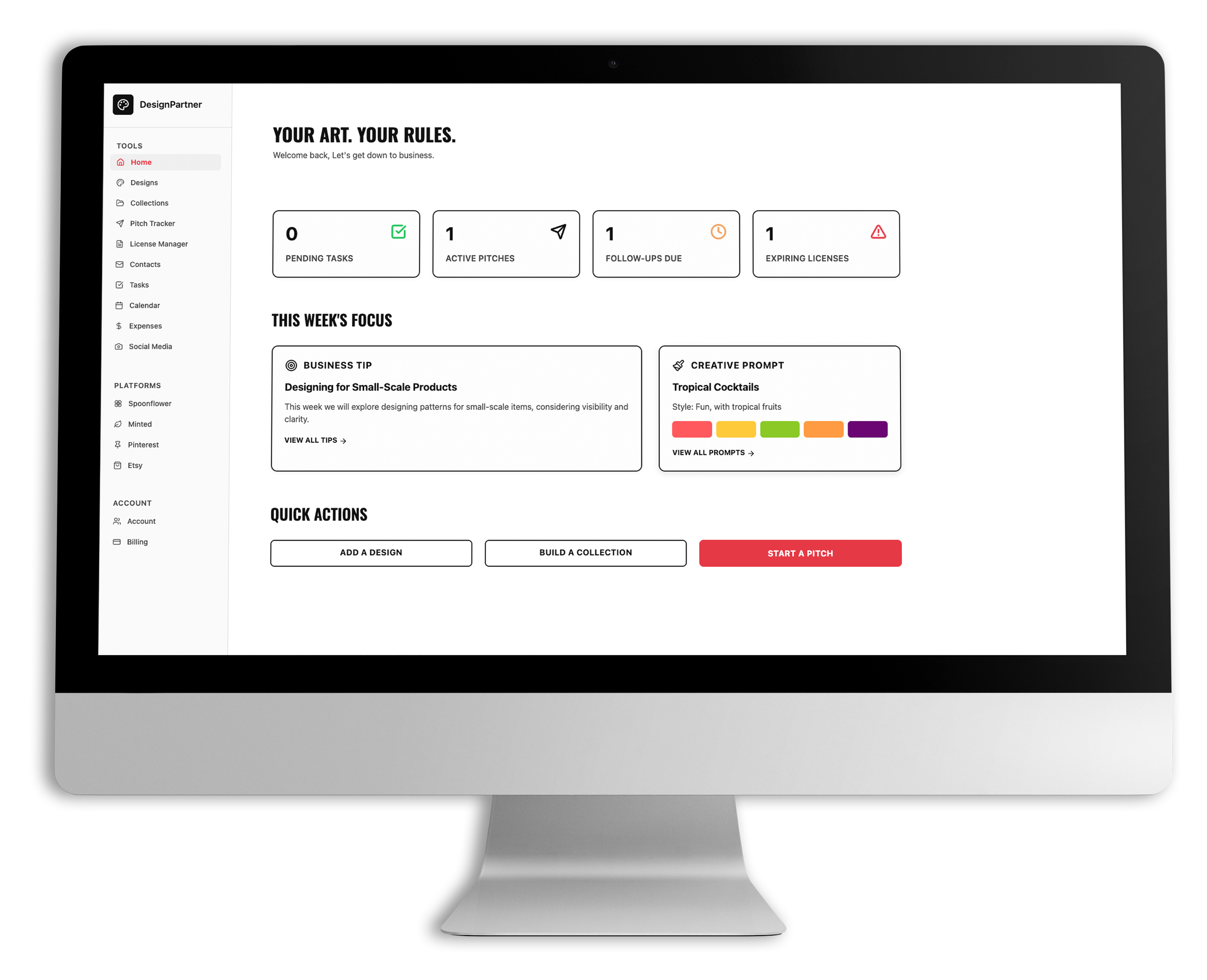
DesignPartner changes that. Unlike Airtable or Notion templates, this is a purpose-built platform for licensing artists. Your designs, collections, pitches, contacts, and licenses finally live in one place. It’s not just organization. It’s momentum.
FEATURES OF DESIGN PARTNER
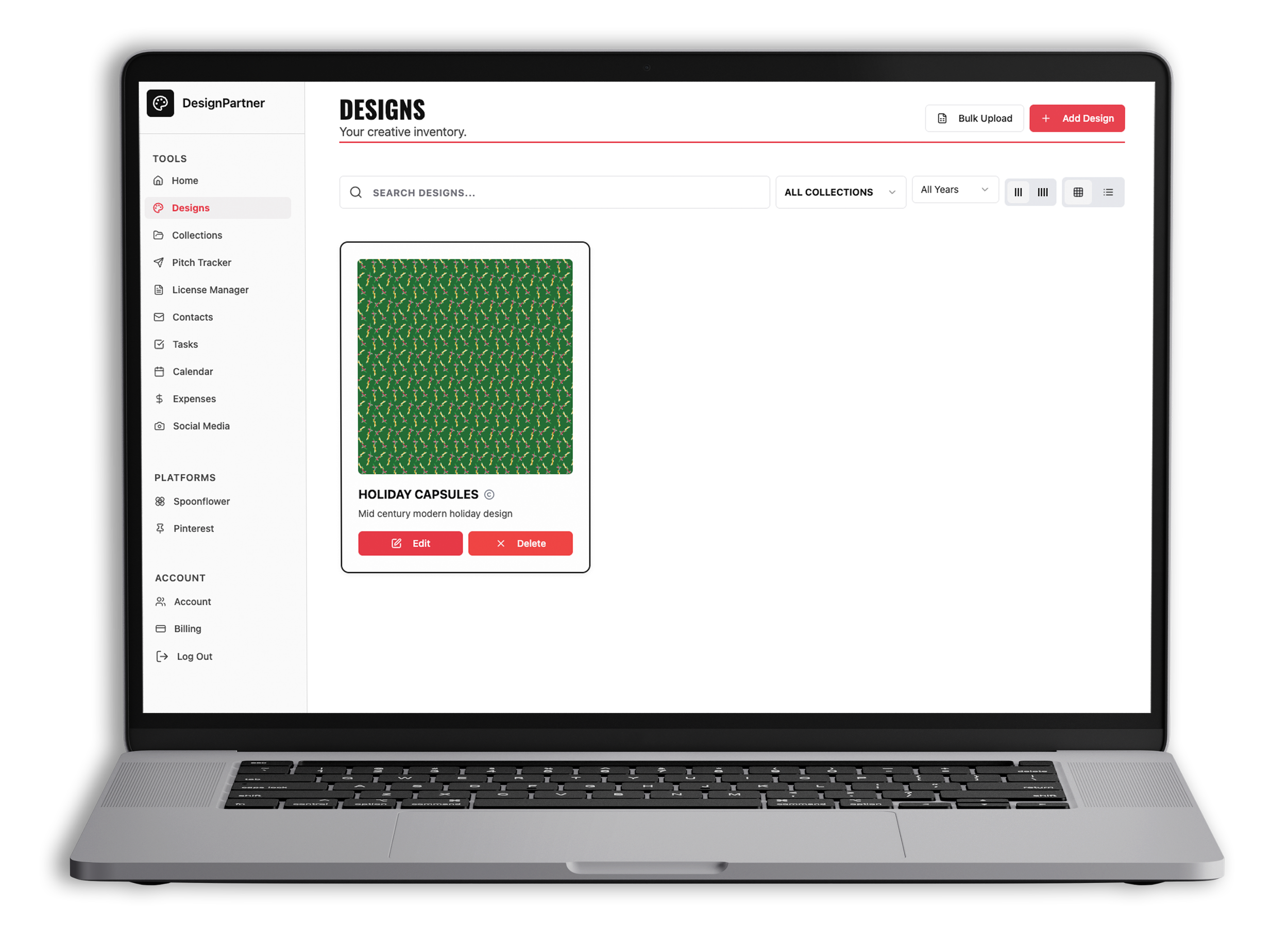
Organize your world.
DesignPartner is more than a Notion board, more than an Airtable template, and definitely more than a digital filing cabinet. It’s a purpose-built web app for licensing artists—where your designs connect seamlessly to collections, pitches, and portfolios.
Organize and track your creative work with our design management system.
Manage and monitor your pitches so you always know who you contacted, when, and what you shared.
Showcase your work with a public portfolio page you can share directly with art directors and clients.
Stay on top of deadlines and opportunities with built-in reminders and a smart calendar designed around the licensing cycle.
Track your work across platforms like Spoonflower, Minted, and Etsy so everything lives in one organized hub.
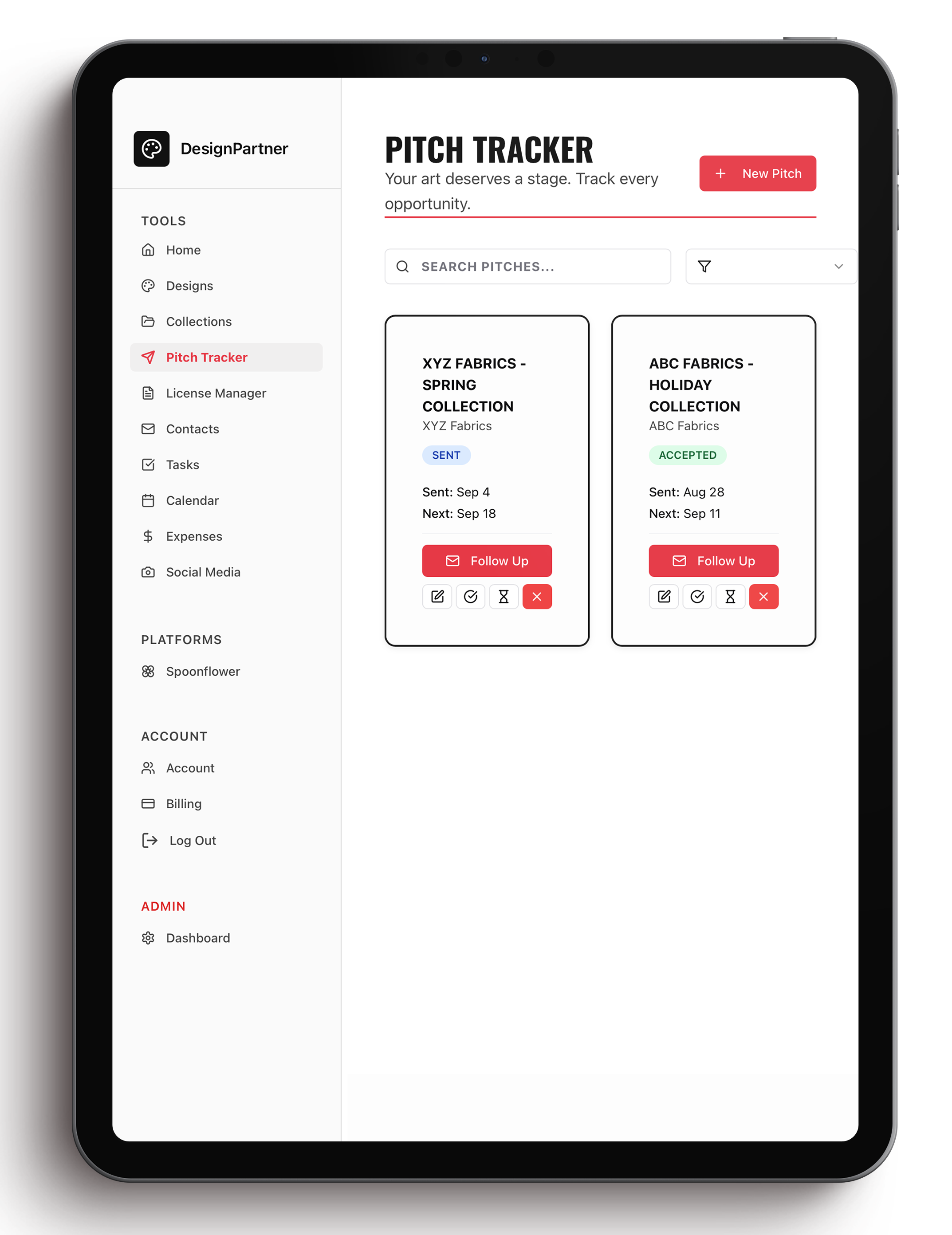
Pitch with confidence.
Send your portfolio page, track your submissions, and never miss a follow-up. From the first email to the signed license, DesignPartner keeps your career moving forward.
Send pitches directly from your contact manager with just a few clicks.
Track every submission so you always know who you reached out to and when.
Get automatic reminders for follow-ups so no opportunity slips through the cracks.
Manage licenses and deals in one place—from first contact to final signature.
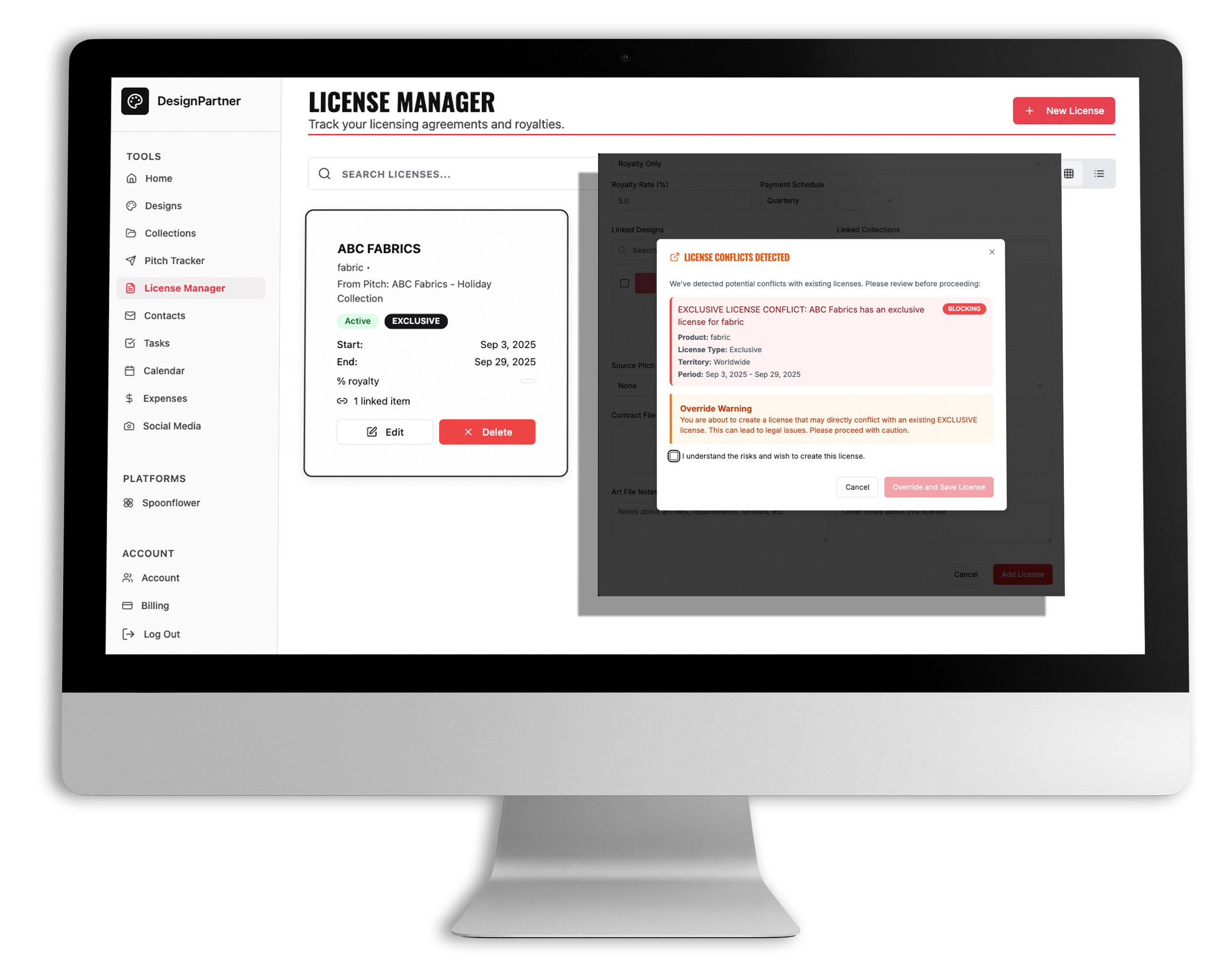
Grow your creative career.
Track licenses, manage royalties, and see your work out in the world. DesignPartner isn’t just about managing—it’s about helping you build the creative career you’ve been dreaming of.
Track licenses with ease so you always know where your designs are being used.
Manage royalties and payments to keep your creative business profitable and stress-free.
Spot trends in your pitching and licensing with at-a-glance insights.
Build lasting relationships with art directors and brands through organized, consistent outreach.
Turn your designs into opportunities and watch your creative career flourish.
and…
Because staying organized is only part of the journey, DesignPartner goes beyond tracking to help you actually move forward. With weekly art prompts, business tips, and curated trend insights—plus a built-in social media planner, mockup generator, and Personal Art Director—you’ll know what to create, how to refine it, how to present it, and exactly when and where to share it.
personal art director
Get clear, actionable feedback to help you refine your work and feel confident before you pitch. Like having an art director on call whenever you need it.
Thoughtful feedback on designs and collections
Insights to improve cohesion, color, and market readiness
social media planner
Plan, create, and share your content without the overwhelm. Build a strategy, generate captions, and automatically schedule and post—all in one place.
Create and organize your social content plan
Auto-schedule and post directly to Instagram
mockup generator
Instantly visualize your designs on real products to bring your work to life and make your portfolio and pitches more compelling.
Generate realistic mockups in seconds
Show your designs across a variety of products and settings
art prompts
Stay inspired with weekly prompts designed to spark fresh ideas and keep your creative flow alive. Perfect for breaking creative blocks or exploring new directions.
Fresh, original themes every week
Prompts tailored for surface pattern designers
business tips
Each week brings a new business theme with four actionable tasks delivered right inside the app. From pitching etiquette to contract basics, you’ll learn as you go and stay on track.
Practical insights designed for licensing artists
Add tasks directly to your list so nothing gets lost
trend scout
Stay ahead of the curve with curated monthly trend insights. Know what buyers are looking for and align your collections with market demand.
Each month get:
Handpicked industry trend highlights
Guidance on when and how to leverage trends in your pitches

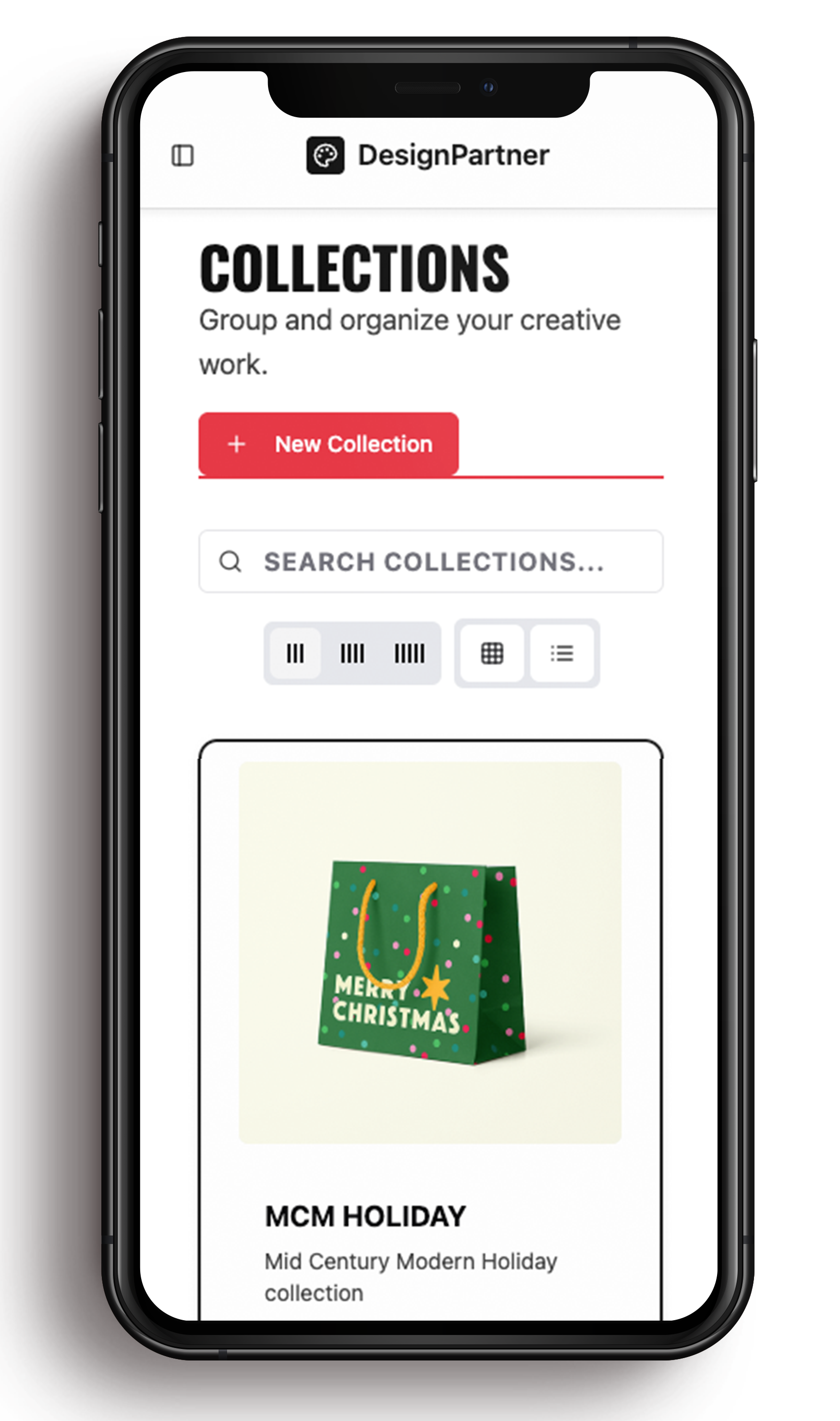
Work wherever inspiration strikes.
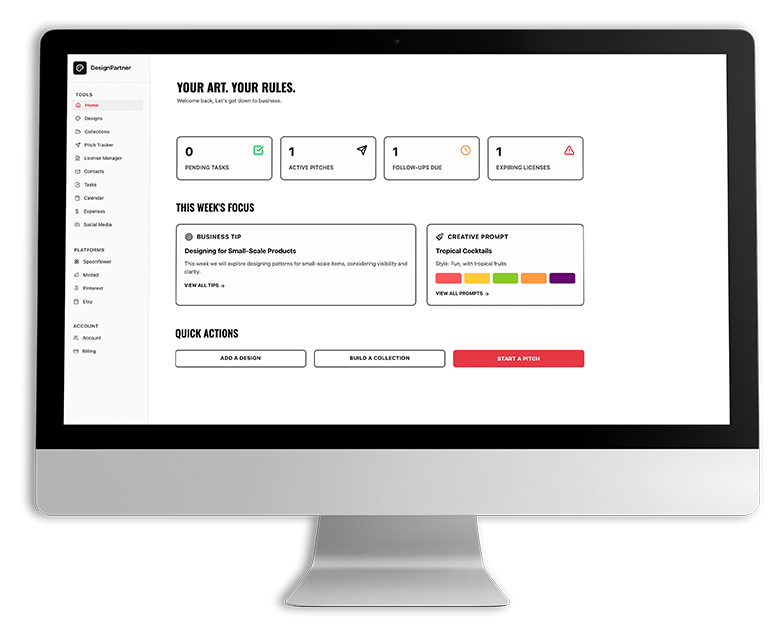
desktop
Dive deep into your work with the full-screen experience. Perfect for managing collections, reviewing contacts, and planning your pitching strategy.
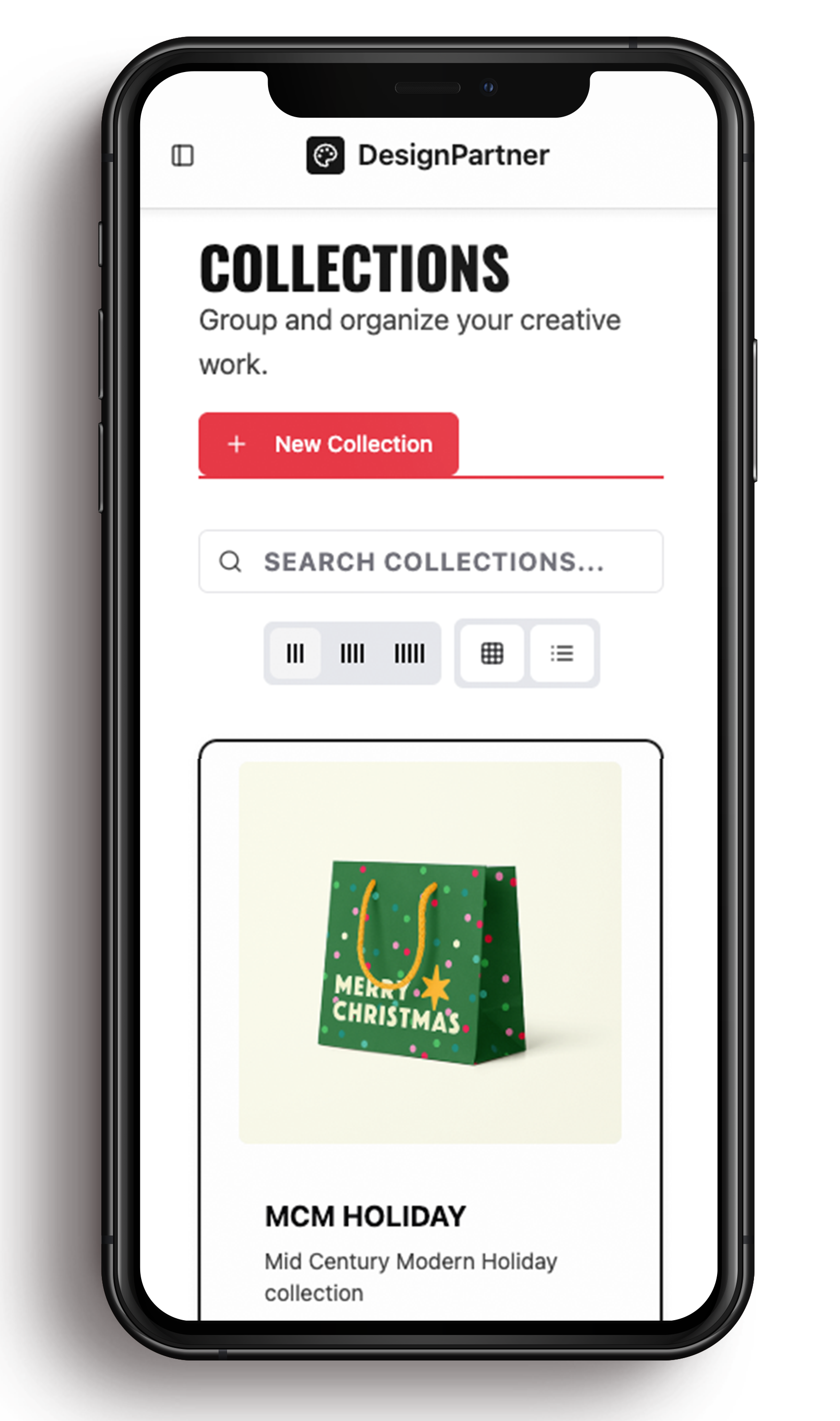
mobile
Stay productive on the move. Quickly check deadlines, add new contacts, or log ideas right from your phone.
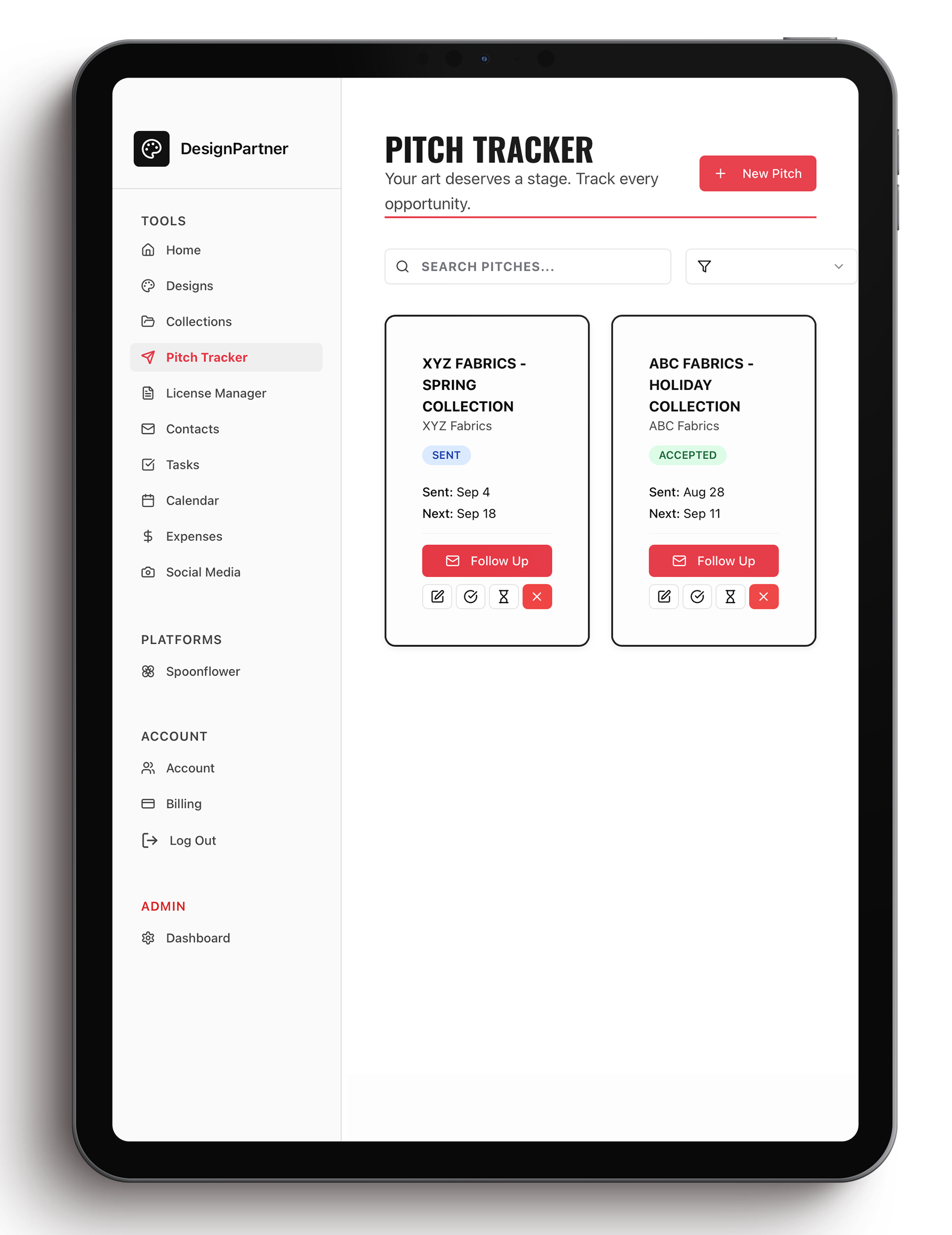
tablet
The best of both worlds—portable and spacious. Ideal for reviewing your portfolio, organizing designs, and making edits with ease.
Your first 14 days are on us.
What are you waiting for?

Built by a designer, for designers.
Hi, I’m Wendy T.
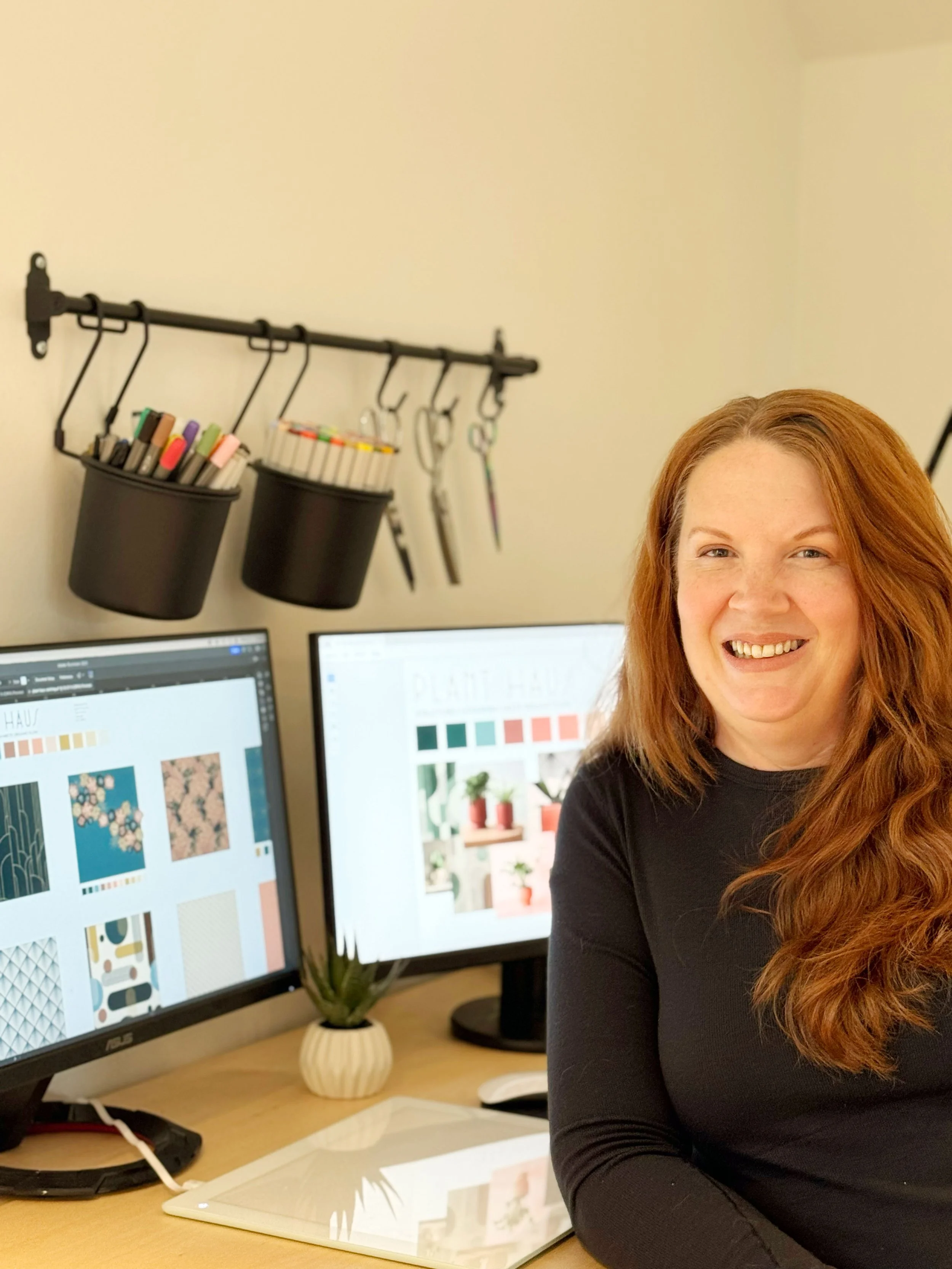
I’ve walked the same path you’re on and I know where it gets overwhelming.
I’ve taken the courses, built the collections, and started pitching only to feel swamped by what comes next. The creating part comes naturally. But the spreadsheets, deadlines, contacts, and follow-ups? That’s where things get messy.
I realized the hardest part of licensing isn’t designing — it’s managing all the moving pieces. And when I couldn’t find a tool built specifically for surface pattern designers, I created one. DesignPartner is the system I wish I’d had from the beginning: bold, simple, and built to keep your art career on track.
Now I’m sharing it with other designers, like you, who want clarity, confidence, and momentum in their creative journey.
8+
15
100%
YEARS WORKING AS A GRAPHIC DESIGNER
YEARS WORKING IN BRAND MARKETING MANAGING MULTI-MILLION DOLLAR ACCOUNTS
PLANNING AND WORKFLOWS ARE MY LOVE LANGUAGE

We aren’t quite ready to launch just yet but what’s coming is worth the wait!
Join the waitlist to be
first in line when we launch!
This all-in-one platform helps you organize your designs, manage your pitches, plan your content, and run your creative business with ease.
And it doesn’t stop there—get art director-level feedback on your work with your own personal AI art director, and let your social media planner create, schedule, and post your content for you.
Everything you need. All in one place.
YOUR FIRST 14 DAYS ARE ON US
Get started today!
Explore everything the DesignPartner App has to offer.
From organizing your designs and building collections to pitching with ease and sharing your public portfolio.
No commitment, no pressure, just 14 days to see how much simpler and more exciting running your design business can be.
the blank canvas
The Blank Canvas is a creative space designed for surface pattern designers and licensing artists. Here, you’ll find practical freebies like the What to Pitch When calendar, weekly art prompts, and other tools to spark inspiration and keep your business moving forward. Think of it as a fresh starting point whenever you need ideas, clarity, or just a little extra momentum in your creative journey.